Creating Customers
Customer can create themselves by placing orders on your Shopify website and by accessing the customer portal and creating an account but you can also create your own customers! You can do this in multiple spots for easy access
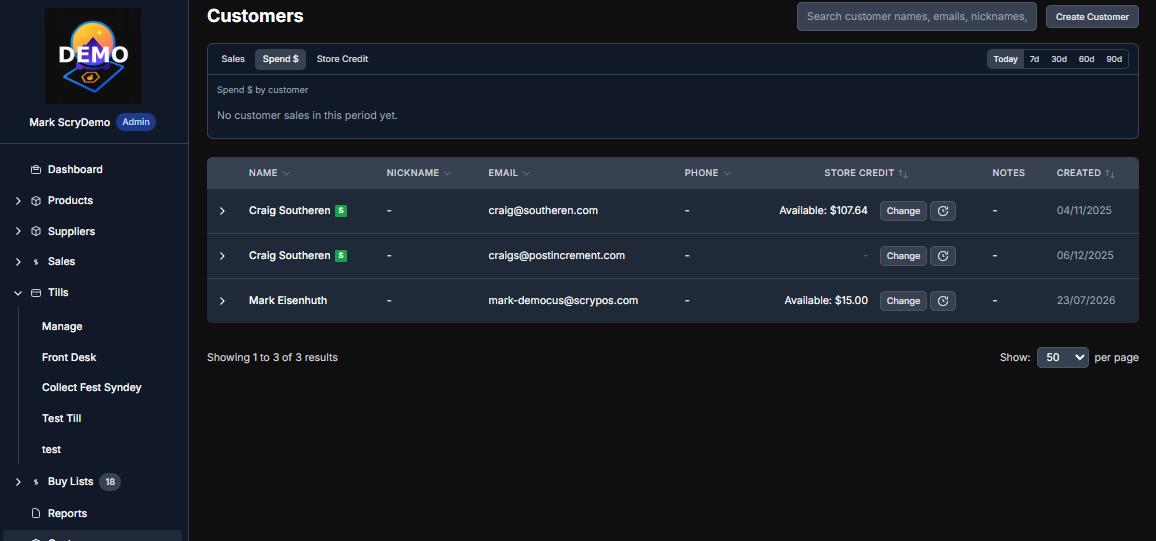
You can Go to Customer > Create Customer
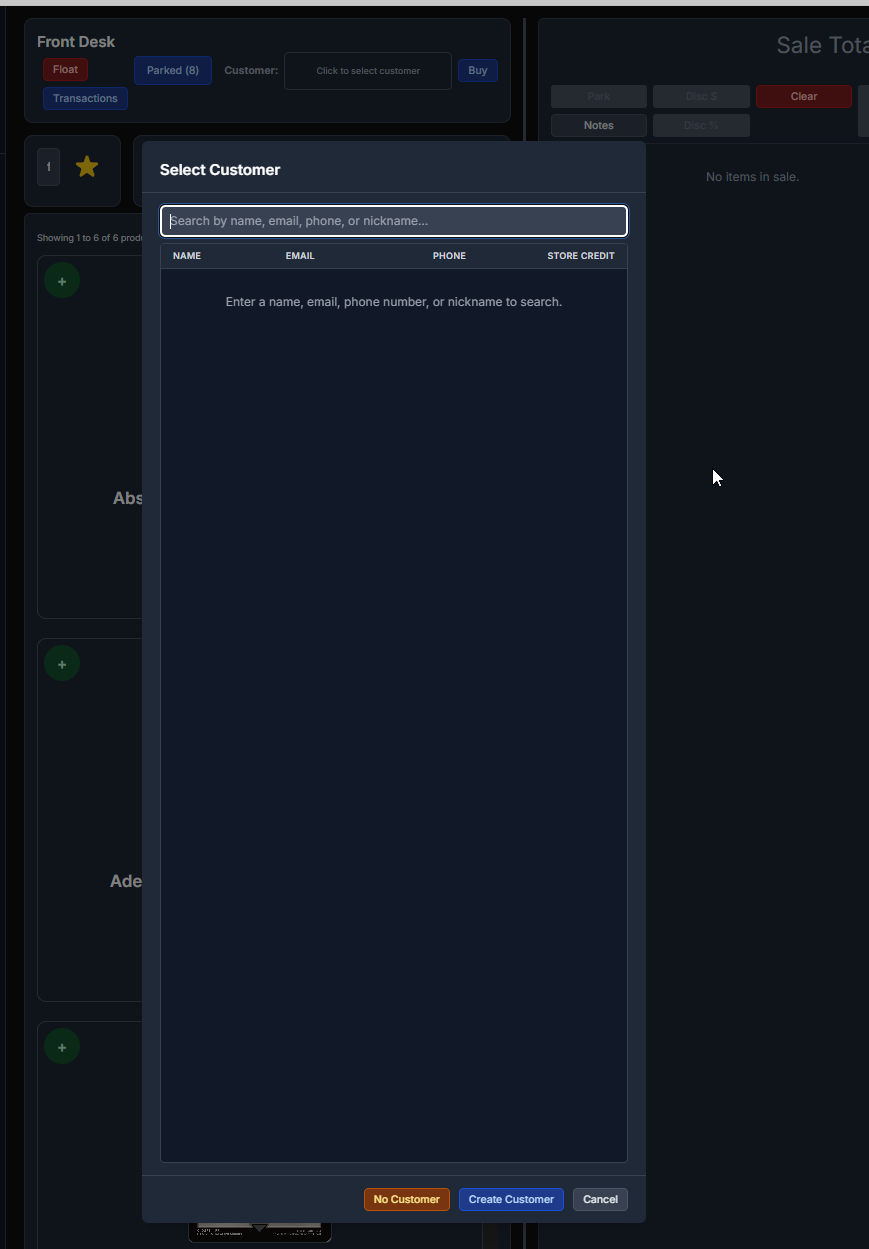
While processing a POS transaction you can go "Click to select customer" "Create Customer"
When creating a buy/sell list on behalf of a customer you can create the customer as you are creating the list
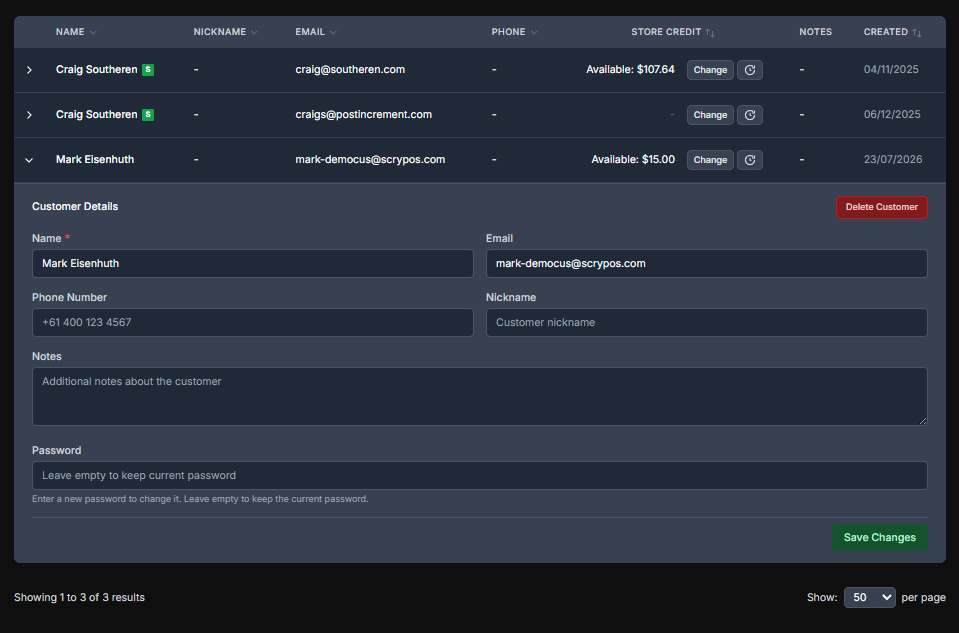
Customers can be created with the core fields or name, email and phone number but you can also
* Give your customers nicknames
* Add internal notes about the customer
* Set or Change their customer dashboard password to assist with password resets (they can do this on the dashboard login screen too)
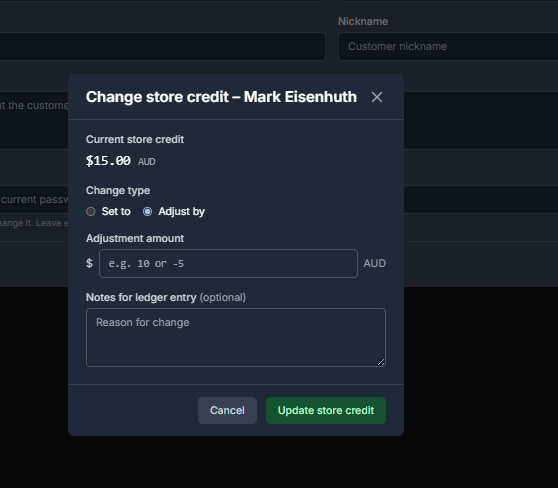
Customers can have store credit. Usually this is added through buy/sell lists but this can be added manually by clicking "change" next to their store credit on their customer record
You can adjust or overwrite their credit or you can set it to a specific amount and record a note for you and the customer that says why an adjustment occurred (Customers can see this in their customer dashboard)
 .
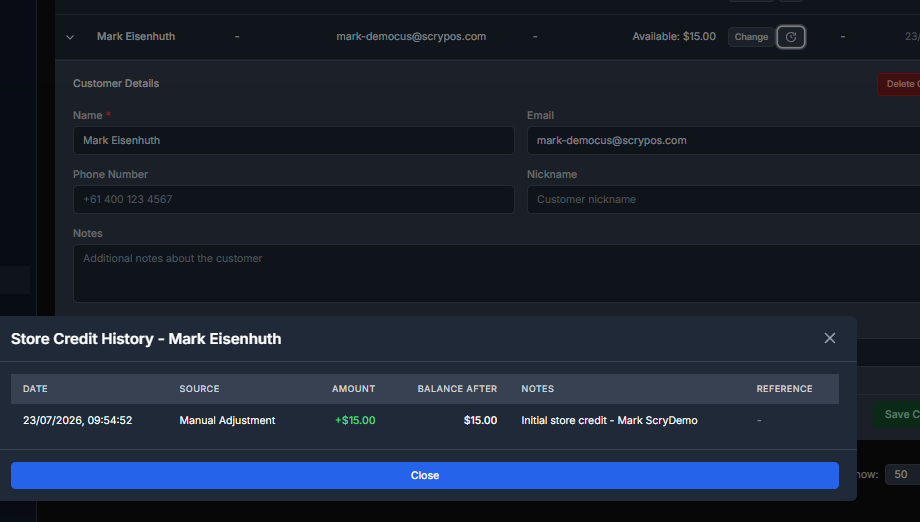
.You can also view the full Store Credit History by clicking on the icon next to change
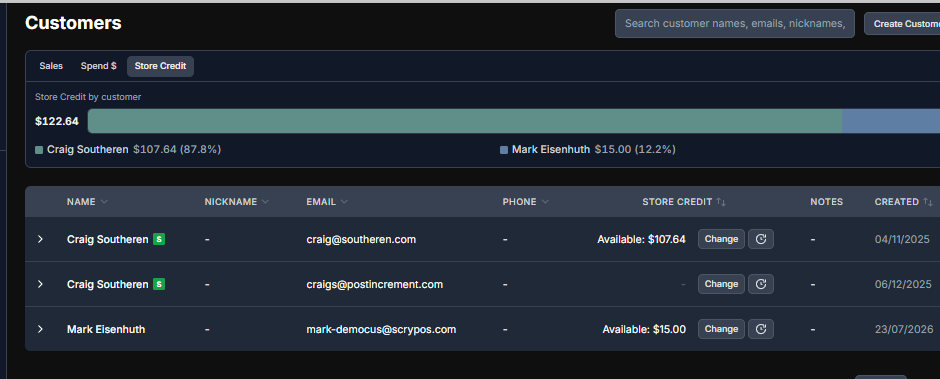
Note: You can view your current store credit liability using the report at the top of the customers page which will show you your total liability and top percentile of credit holders.