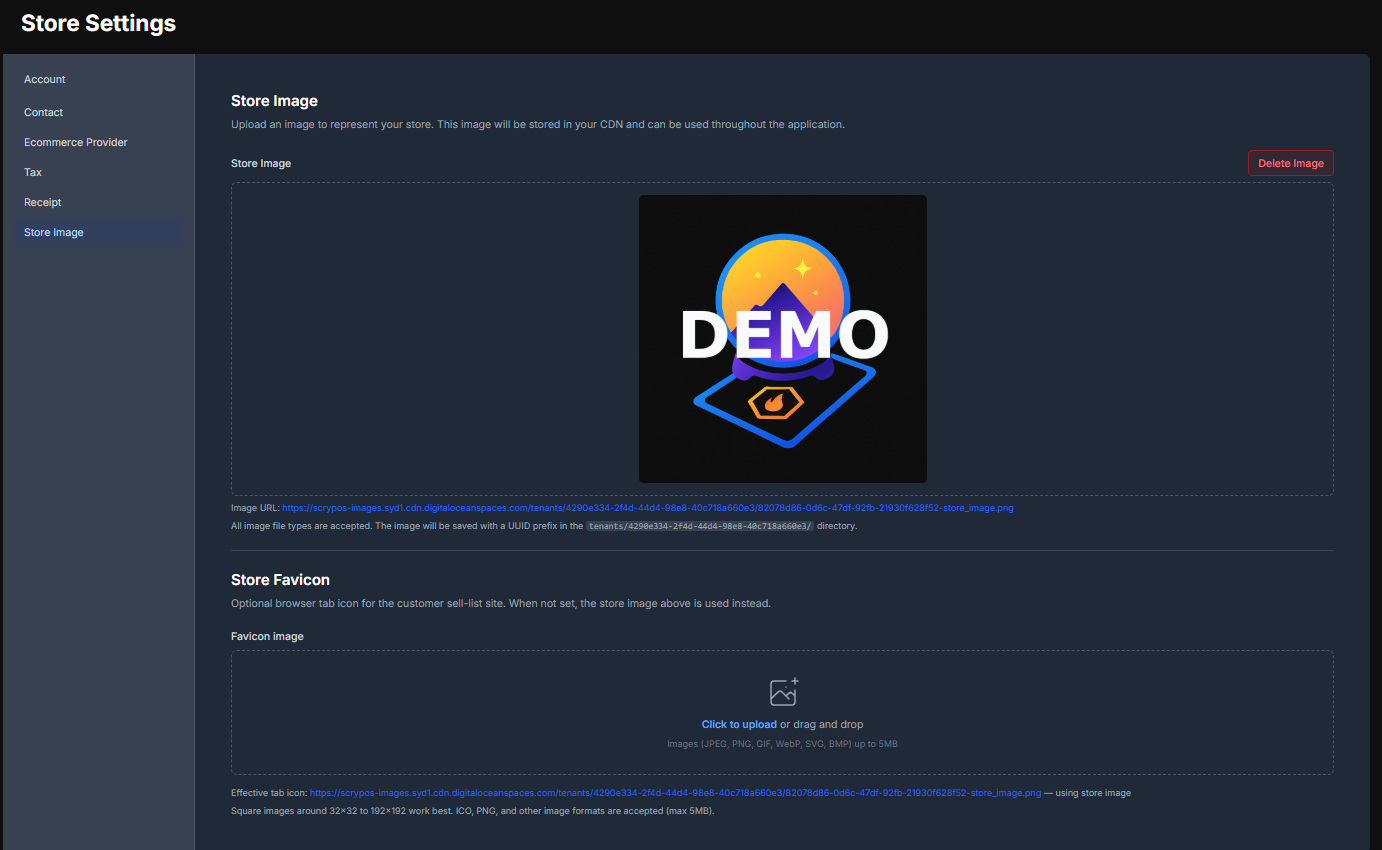
Configure your Store Details
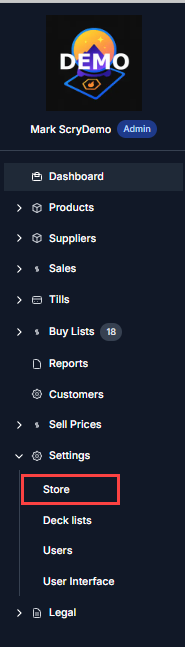
ThisThe tabfirst controlsthing you will want to do when accessing your ScryPOS system is configure your company details.
In the primaryleft storehand settings.menu you will go Settings > Store
Account Details
These will all be set by the ScryPOS team as part of onboarding, but you should verify these settings are correct:

- Tenant Name: the name by which your store is known
- Contact Name: the name used by ScryPOS to identify the owner of the store
- Currency: the currency for all sales and purchases within the system. AUD (Australian dollars) is the only currency supported at this time:
NOTE: the currency selected here MUST match the configured currency in your Shopify store
- Country: controls country-specific settings and options through ScryPOS. Australia is the only country supported at this time
- Timezone: allows ScryPOS to identify what times may be more suitable for downtime, such as system upgrades or backups
Contact Details
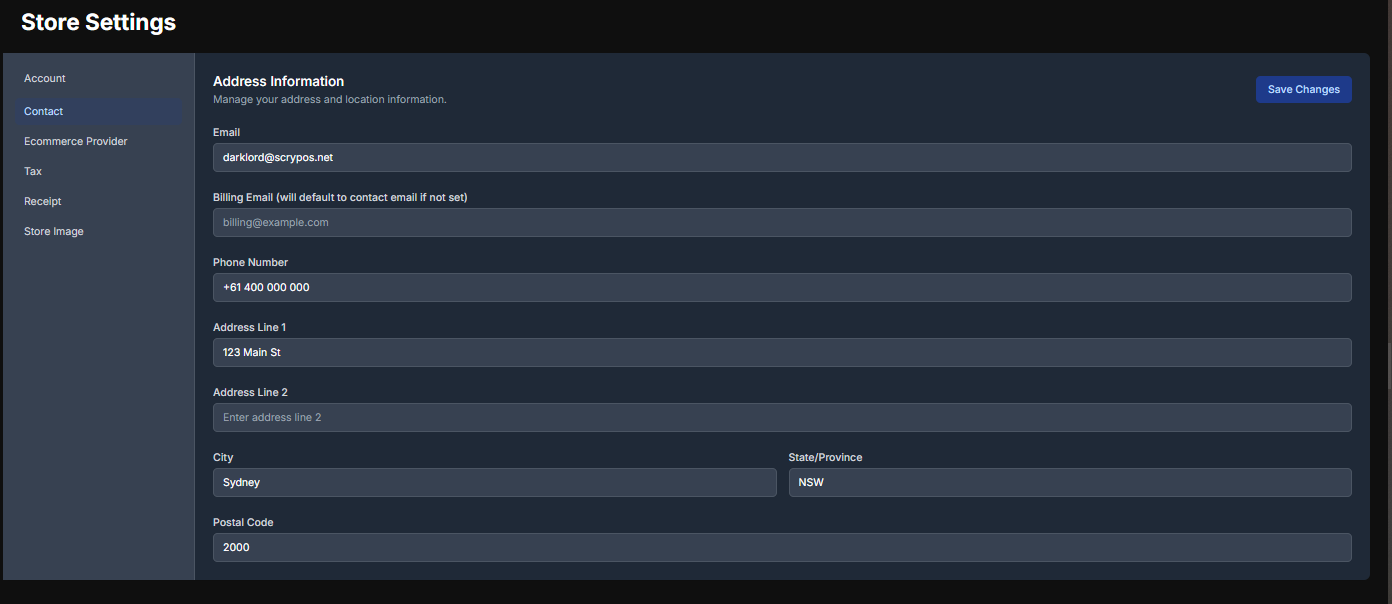
Update the Primary Company Contact details in Store Settings > Contact
For stores using ScryPOS's Multi-Location system billing for all locations will be sent to the billing contact email.
The address is used as the company's primary billing address. Location addresses will be configured later in Shopify.
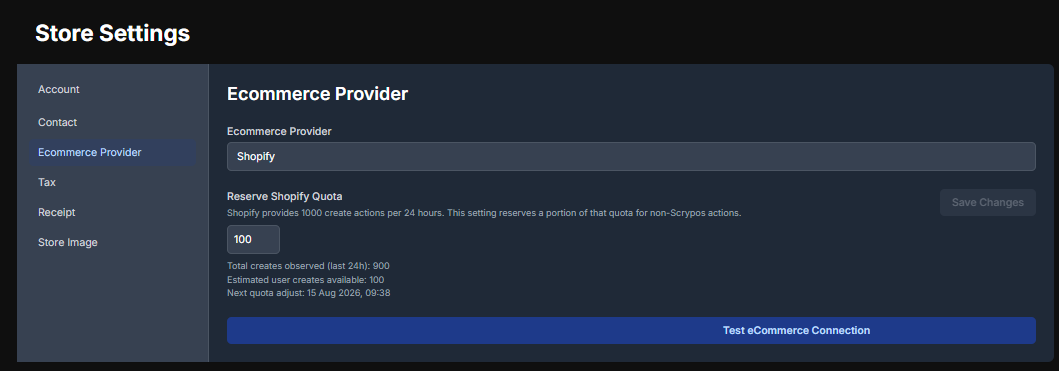
Ecommerce Provider
By default all stores will be using Shopify for the foreseeable future at the time of writing this.
Shopify limits the number of variants that can be created by external programs to 1000 in any 24 hour period. The Reserve Shopify Quote setting allows you to reserve some number of these operations for programs other than ScryPOS. Setting this to a high number will reduce the rate at which new products can be added you your store automatically.
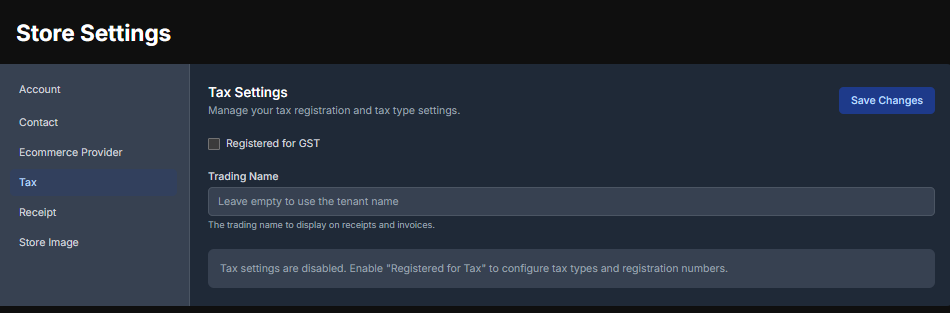
Tax Settings
These settings will be specific to the country which the ScryPOS store has been configured for. Use this to record your ABN, NZBN, Corporate Number etc. and relevant tax details
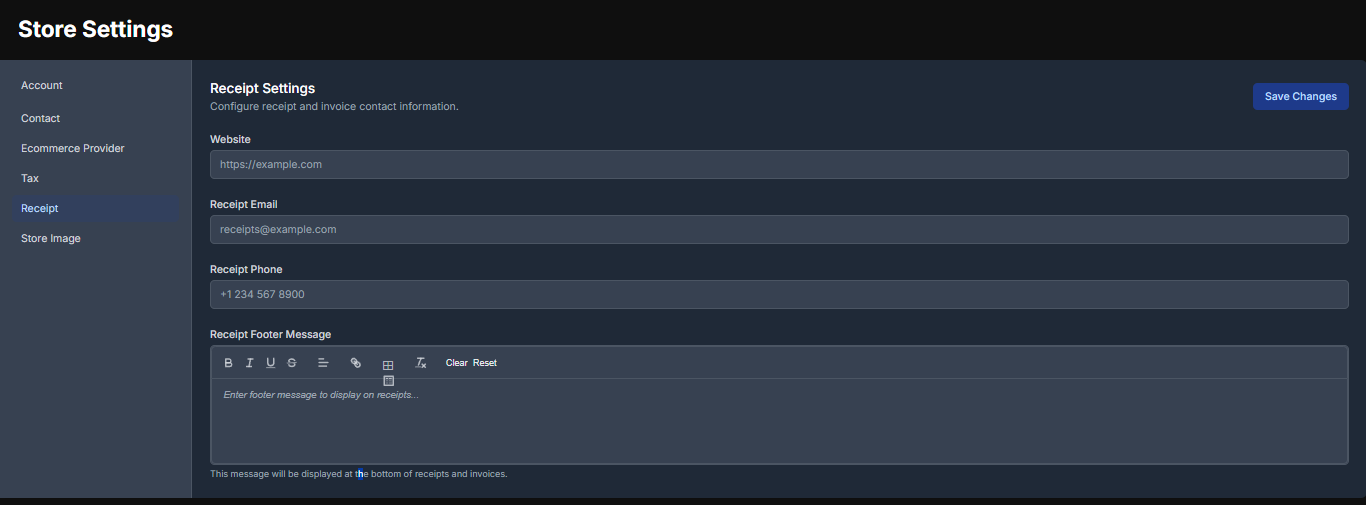
Receipt Settings
ScryPOS will generate customer receipts on all transactions that can be sent as tax invoices. These are the settings that control what customers will see on their receipts from sales at locations linked to this account.
(Changes coming here soon - currently this is configured for all locations to use the same receipt settings)
Store Image
This is where your company logo lives. Use a good quality image as this is the logo that will appear everywhere your customers interact with your business within the ScryPOS network.